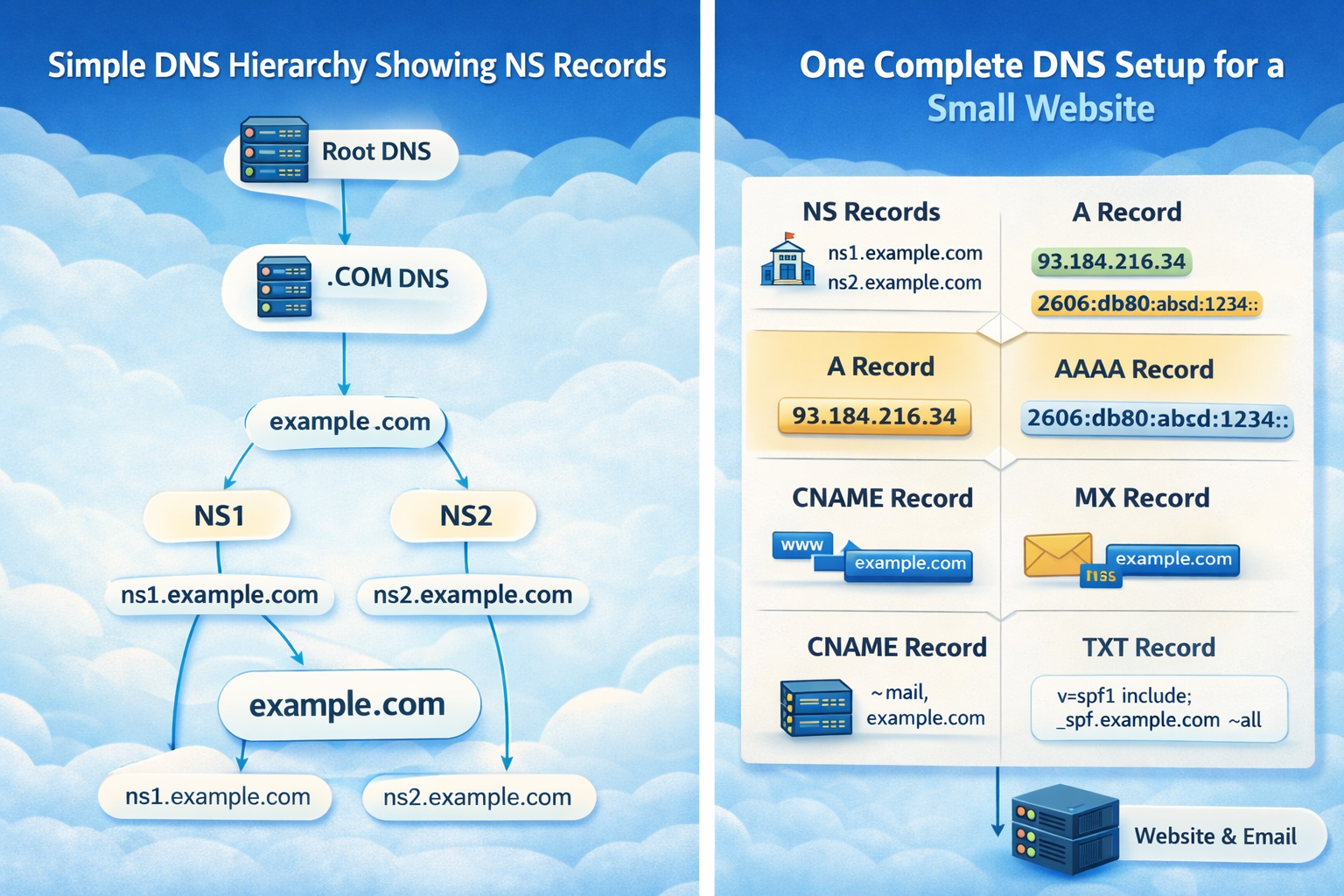
DNS Record Types Explained
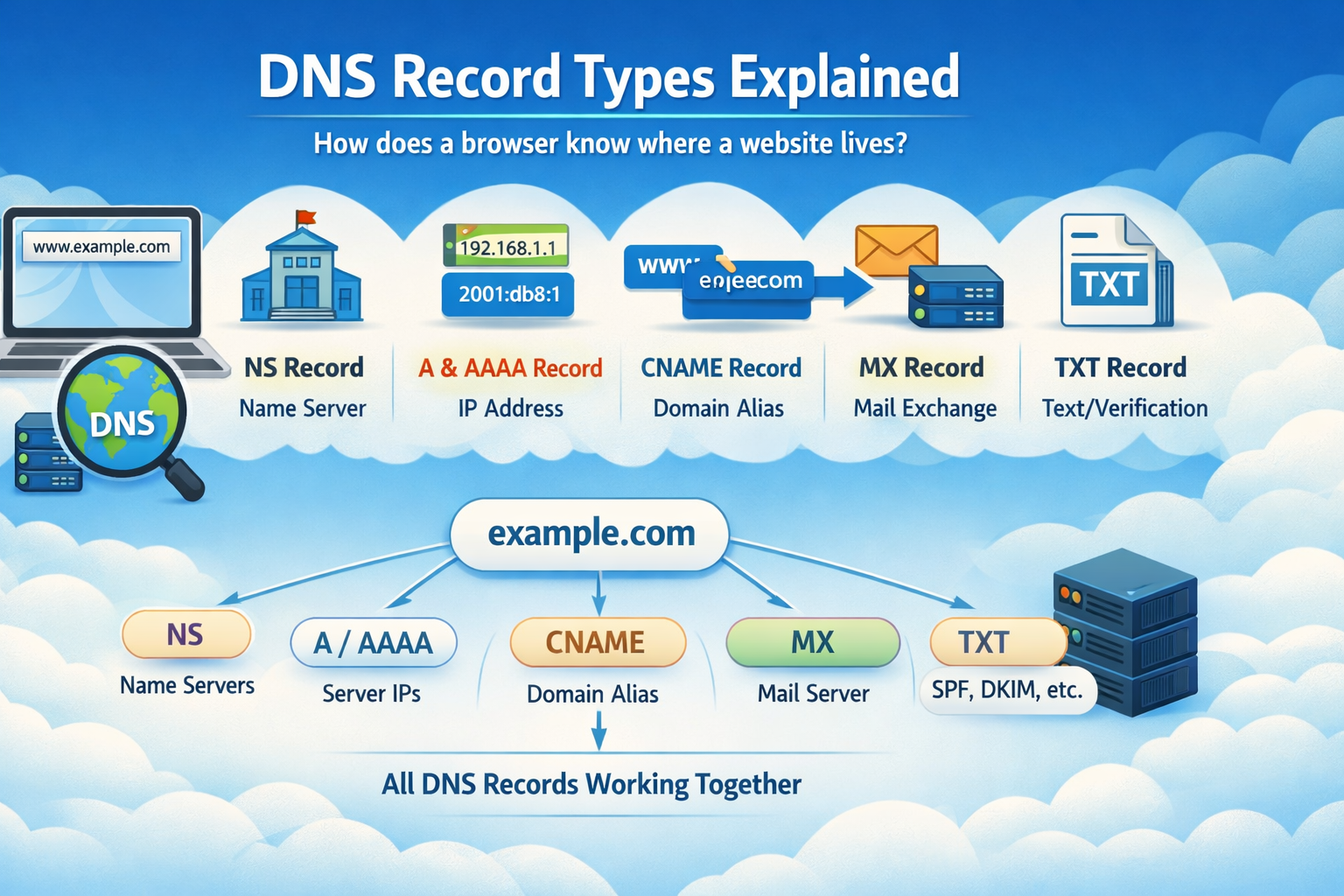
How does a browser know where a website lives?
When you type google.com in your browser, you never tell your computer the real location of Google’s servers. You just give it a name. Somehow, your computer figures out the exact machine to talk to.
That “somehow” is DNS.
DNS is the phonebook of the internet.
You remember names.
Computers understand numbers (IP addresses).
DNS translates between them.
1. What is DNS (in very simple terms)?
Imagine you want to visit your friend:
You know their name: Rahul
But to reach them, you need their house address
So you check:
“Rahul → 24, MG Road, Bangalore”
DNS does the same:
google.com → 142.250.182.14
Without DNS, you would have to remember IP addresses like:
142.250.182.14
2606:4700:3037::ac43:d5ac
Which is unrealistic.
2. Why DNS Records are Needed
A domain is not just a website. It can have:
A website
Email services
Subdomains
Verification for Google, GitHub, Cloudflare
Load balancers
CDN services
So DNS needs different types of records, each solving one problem:
| Problem | Record Type |
| Who controls this domain? | NS |
| Where is the website server? | A / AAAA |
| Are there aliases? | CNAME |
| Where should email go? | MX |
| Extra info & verification? | TXT |
3. NS Record – Who is responsible for the domain
NS = Name Server
This tells the internet:
“These servers know everything about this domain.”
Example:
example.com → ns1.cloudflare.com
             ns2.cloudflare.com
Meaning:
Cloudflare is managing all DNS records for example.com.
Think of it like:
“Which office holds the official records for this property?”
Without NS records, DNS doesn’t even know where to ask.
4. A Record – Domain → IPv4 address
A = Address
It maps:
example.com → 93.184.216.34
This is the most basic and most important record.
Real-life analogy:
House Name → Street Address
Your browser needs this to open a website.
5. AAAA Record – Domain → IPv6 address
Same as A record, but for IPv6:
example.com → 2606:2800:220:1:248:1893:25c8:1946
Why both exist?
| Type | IP Version |
| A | IPv4 (older, shorter) |
| AAAA | IPv6 (newer, larger space) |
Browsers try AAAA first, then A if IPv6 fails.
6. CNAME Record – One name pointing to another name
CNAME = Canonical Name
Instead of pointing to an IP, it points to another domain:
www.example.com → example.com
Then:
example.com → 93.184.216.34
Flow:
www.example.com
   ↓
example.com
   ↓
93.184.216.34
Use case:
CDNs, hosting providers, app platforms.
Beginner confusion:
A vs CNAME
| A Record | CNAME |
| Points to IP | Points to another domain |
| Final destination | Just an alias |
You never mix A and CNAME on the same name.
7. MX Record – How email finds your mail server
MX = Mail Exchange
It tells:
“If someone emails
@example.com, send it here.”
Example:
example.com → mail.google.com (priority 10)
So:
[email protected]
     ↓
MX lookup
     ↓
Gmail server
Without MX:
Your domain cannot receive email.
Beginner confusion:
NS vs MX
| NS | MX |
| Who manages DNS | Who receives email |
| Control | Mail routing |
Totally different jobs.
8. TXT Record – Extra information & verification
TXT stores text.
Used for:
Domain ownership verification
Email security (SPF, DKIM, DMARC)
Google Search Console
GitHub domain linking
Example:
"google-site-verification=abc123"
Think of it as:
Sticky notes attached to your domain.
9. How all DNS records work together for one website
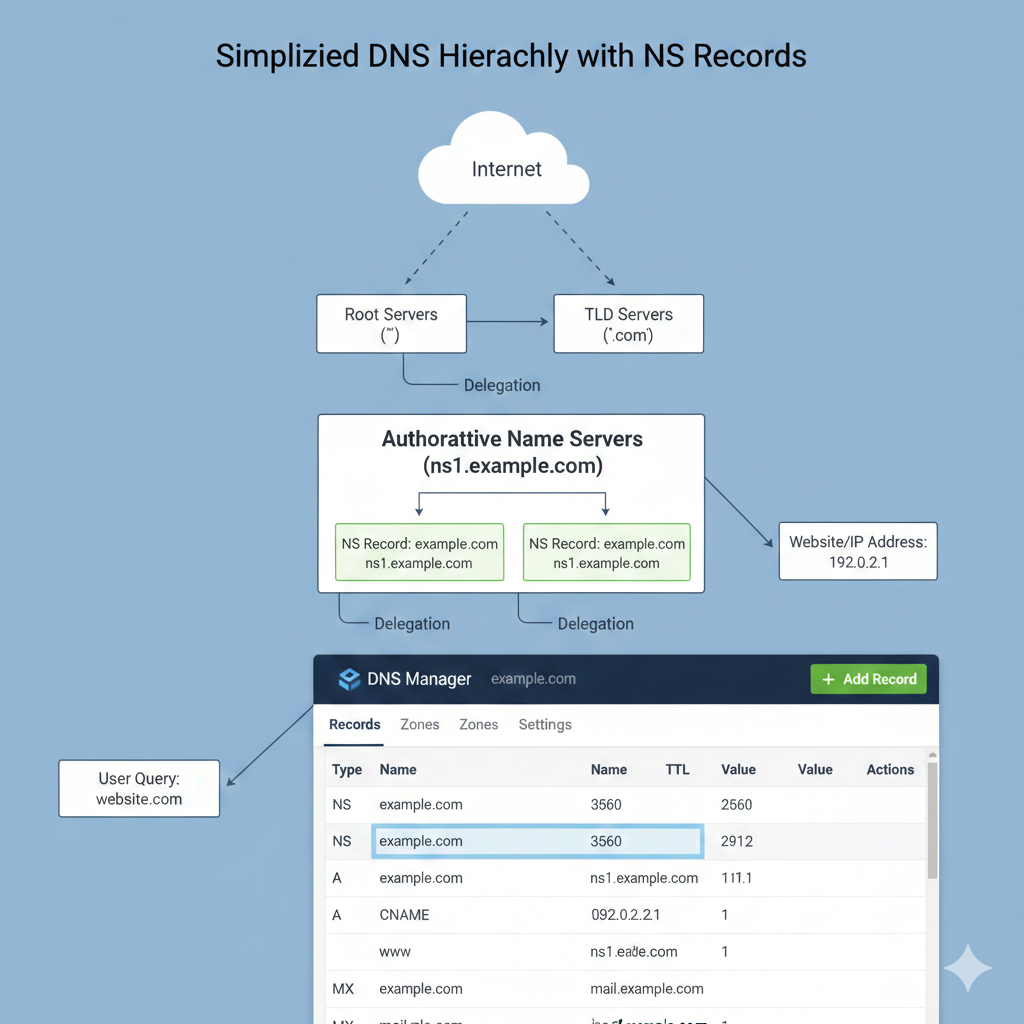
| Record | Purpose |
| NS | Points to DNS provider |
| A | Website IP |
| AAAA | Website IPv6 |
| CNAME | www → root domain |
| MX | Email server |
| TXT | Verification + email security |
Example:
example.com
│
├─ NS → Cloudflare
│
├─ A → 93.184.216.34
├─ AAAA → 2606:...
│
├─ CNAME
│   www.example.com → example.com
│
├─ MX → mail.google.com
│
└─ TXT → "v=spf1 include:_spf.google.com ~all"
10. Complete High-Level Flow
Browser
  ↓
DNS Lookup
  ↓
NS → Find authoritative DNS
  ↓
A / AAAA → Get server IP
  ↓
Server
  ↓
Website loads