
Getting Started with cURL – A Beginner’s Guide to Talking to Servers

What is a Server?
A server is just a computer that:
Stays online always
Waits for requests
Sends responses back
That’s it.
Your device sends a request → a server processes it → the server sends a response.
Examples:
A browser asks for a webpage → server returns HTML
Your frontend asks your backend → backend returns data
So the internet is simply:
Client → Request → Server → Response → Client

Why Do We Need to Talk to Servers?
As developers, we constantly need to:
Fetch data
Send data
Test APIs
Debug backend logic
Check if a server is alive
Browsers do this for users.
Developers need tools that show what is actually happening.
That’s where cURL comes in.
cURL is a tool that lets you talk to a server from the terminal.
No browser.
No UI.
No buttons.

Browser: Friendly, hides complexity
cURL: Honest, shows everything
You type a command, cURL sends a request, and the server’s response is printed as raw text.
Why programmers need cURL
Programmers use cURL because it helps them:
Test APIs without frontend
Debug backend issues
Understand HTTP deeply
Check server responses
Automate requests in scripts
Learn how real client-server communication works
Works everywhere (Linux, macOS, Windows)
Real-world uses:
“Is my API alive?”
“Why is this endpoint failing?”
“What exactly is the server returning?”
“Does authentication work?”
Behind the scenes
First, cURL sends a request to the server.
The server reads the request and understands what data is needed.
After that, the server sends a response back to the client.
The response contains structured information in JSON format.
cURL prints this response directly in the terminal.
What happened?
cURL sent a request to example.com
The server received it
The server sent back data
cURL printed the response in your terminal
Usually, you’ll see:
HTML if it’s a website
JSON if it’s an API

Understanding Request and Response

Everything on the web works on this pair.
The Request
A request answers:
Where are we going?
What do we want?
When you write:
curl https://example.com
You’re saying:
“Hey server, send me your default data.”
This is called a GET request.
The Response
A response contains:
Status → Did it work?
Data → What did the server send?
Common ideas:
200 OK→ Success404 Not Found→ Resource doesn’t exist500 Server Error→ Something broke inside the server
By default, cURL shows the data, not the status.
Browser Request vs cURL Request
When you use a browser:
Browser → Server → Response → Rendered webpage
When you use cURL:
cURL → Server → Response → Raw text
Same server. Same protocol. Different presentation.
Browser is for users.
cURL is for developers.

Using cURL to Talk to APIs
APIs usually return JSON, not HTML.
Try:
curl https://api.github.com
You’ll see:
Raw JSON
Exactly what the server sends
No formatting tricks
This is how:
Frontends talk to backends
Services talk to each other
Microservices communicate
cURL lets you see that communication directly.
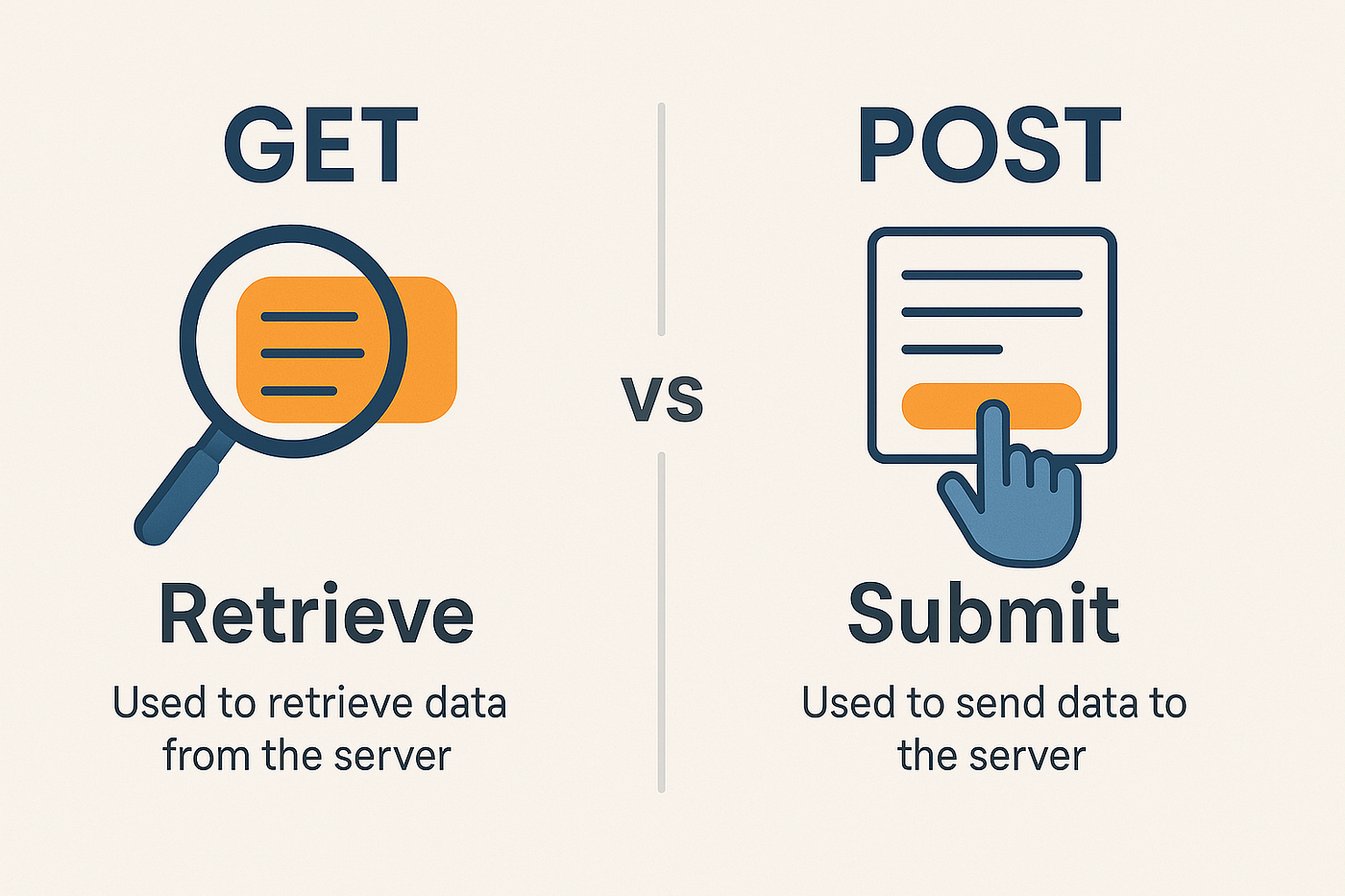
Introducing GET and POST
We keep it simple.
GET → Asking for data
curl https://api.example.com/users
Meaning:
“Give me users.”
Used for:
Fetching data
Reading resources
POST → Sending data
curl -X POST https://api.example.com/users
Meaning:
“I want to send something to you.”
For now, don’t worry about sending actual data.
Just understand the concept:
| Method | Meaning |
| GET | Receive data |
| POST | Send data |
Where cURL Fits in Backend Development
Before frontend exists:
- Use cURL to test endpoints
When bugs appear:
- Use cURL to isolate issues
When authentication fails:
- Use cURL to verify tokens
When APIs break:
- cURL is the first tool engineers use
cURL sits between:
Backend logic and real-world communication

Common Mistakes Beginners Make with cURL
❌ cURL shows raw data, not visuals.
❌ That raw output is clarity, not chaos.
❌ Using too many flags too early
❌ Thinking cURL is outdated
Important cURL Flags (Only the Useful Ones)
Keep these in mind. You don’t need all of them immediately.
| Flag | Purpose | Example |
-v | Shows full request + response details | curl -v https://example.com |
-s | Silent mode (no progress or errors) | curl -s https://example.com |
-o | Save output to a file | curl -L ip.ba3a.tech -o ip.json |
-u | Basic authentication | curl -u user:pass https://example.com |
-w %{http_code} | Show HTTP status code | curl -w %{http_code} https://example.com |


